Standard Edition
$35- PlayStation account with GTA 6 pre-order
- Standard Edition option
- Order updates by email
GAMING ACCOUNTS & SERVICES
SERVICES
Compare package details first, then choose your platform and follow the checkout steps.
VIEW PACKAGESPick a game to view its available packages.
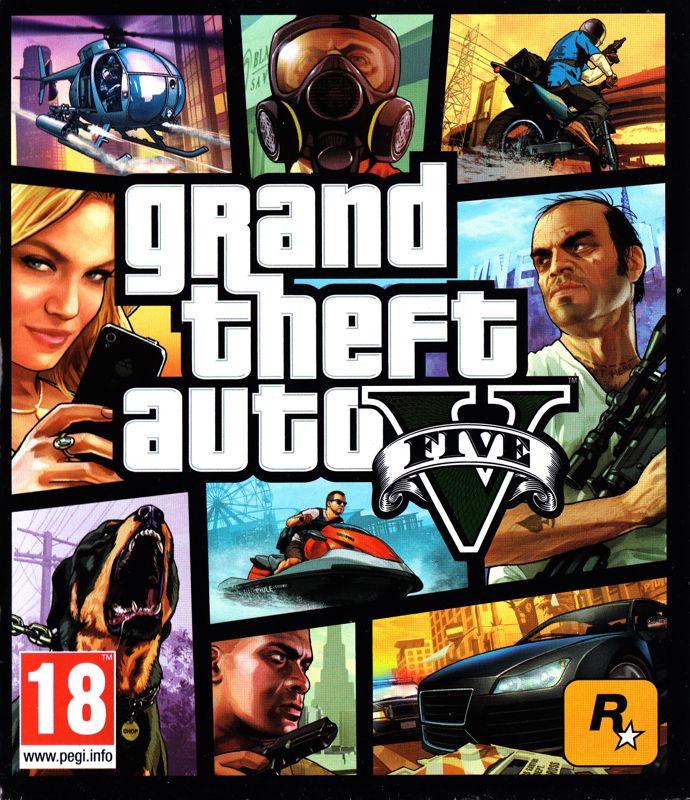

Choose Standard Edition or Ultimate Edition, review the included option, then continue through the normal order setup.
Confirm edition availability and order details with support before payment.
SETUP GUIDE
Select PlayStation, Xbox or PC, then choose Old Gen or New Gen where applicable.
Open the G2A purchase page from the package setup screen and complete the purchase there.
Click “I bought the gift card — continue setup” and enter your order details.
We’ll use the information you provide to coordinate the service.
BEFORE YOU ORDER
These simple checks can help keep your order details clear from the start.
Choose the correct game and platform, and confirm Old Gen or New Gen when that option applies.
Use your marketplace order reference when completing setup. Never send gift-card redemption codes, passwords, or two-factor codes.
Contact support with the game, platform, package, and any purchase reference so your question is clear.
CONTACT SUPPORTFAQ
Select your platform and package, open the purchase page, then return to the setup form with your purchase reference and service details.
You’ll need your email, game username or gamertag, platform, generation where applicable, selected package, and purchase reference.
Use the order or purchase reference shown by the marketplace after your gift-card purchase. If you cannot find it, contact the marketplace you purchased from.
No. Never submit your account password or two-factor authentication codes through the website.
Completion time can vary by package, platform, availability, and order volume. Contact support if you need an update on an existing order.
If you selected the wrong package, contact support before submitting or as soon as possible with your purchase reference so the order can be reviewed.
Email kekmodszs@gmail.com with your order details and your question.
SUPPORT
For questions about a package, setup, or an existing order, contact us by email and include your order details.
Include your email, gamertag, platform, package, and purchase reference when contacting support.
Need an update on an existing order? Email support with your purchase reference and the email used during setup.
CHECK ORDER STATUSExample review wording below is illustrative until replaced with feedback from actual buyers.
“Ngl, the GTA account was solid once it came through. Took a lil longer than I expected, but after I got the details, everything went smooth.”
“Lowkey happy with the Fortnite account — got what I picked and setup was easy. The details were clear, so overall it was a good experience fr.”
“Got what I ordered and the instructions were clear. Had to double-check one step, but it worked out.”
“The listing was easy to understand and the order process felt straightforward.”
“Delivery was okay and the info matched what I picked. Communication could be a little faster.”
“The account details matched the listing. I checked everything after delivery and it looked right.”
“Order took a bit, but I got the details and was able to get started without much trouble.”
“Everything came through eventually. The wait was longer than I thought, so updates would help.”
“Pretty straightforward overall. The instructions helped and I knew what to do next.”
“The account was as described. Would be nice to get a clearer delivery estimate upfront.”
“Support answered my question about the order. The process was smoother after that.”
“Got the service I selected and the steps were simple enough to follow.”
“Details matched the listing I chose. Just make the delivery timing a bit clearer.”
“It took longer than expected, but once the account came through things were smooth.”
“The order was fine overall, but the waiting part could be better communicated.”
“Account details were easy to check and the listing explained what was included.”
“Good experience overall. Clearer status updates would make the process even better.”
“Got my order and the instructions were easy to follow. No big issues on my end.”
“The service matched what I selected. I appreciated getting an answer when I asked.”
“Everything looked like the listing said. Delivery timing is the main thing I'd improve.”
“It was a pretty smooth process after I got the account details.”
“The order details were clear and I knew what I was getting before I purchased.”
“Delivery wasn't instant, but the details came through and I could get set up.”
“I got the account eventually. The wait was frustrating, though the rest went okay.”
“The steps were clear and the service matched what was listed.”
“Everything was straightforward once the order arrived. More updates would be nice.”
“Got what I picked and the instructions made sense. Overall, a decent experience.”
“The account details came through and matched the listing. Timing could be clearer.”